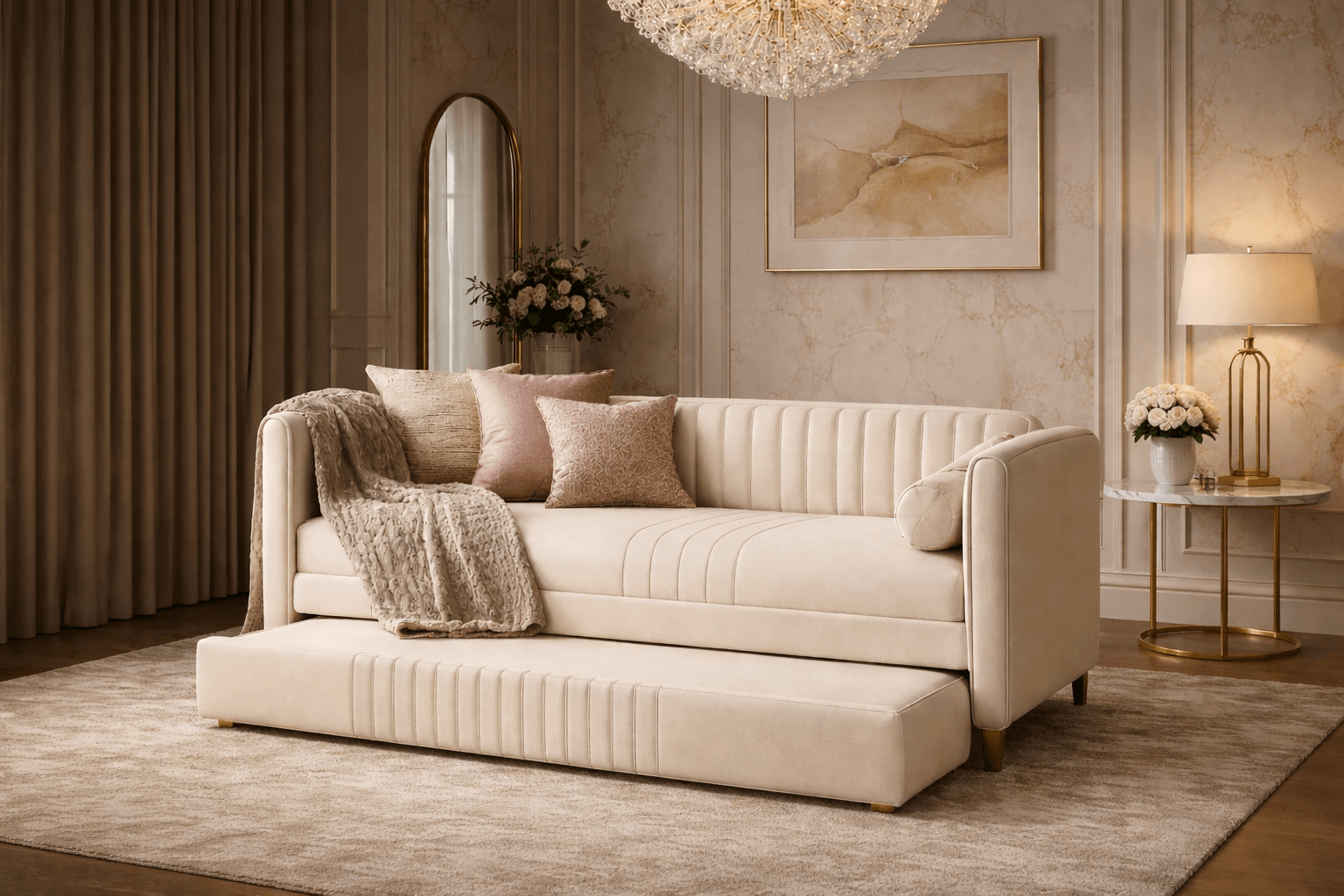
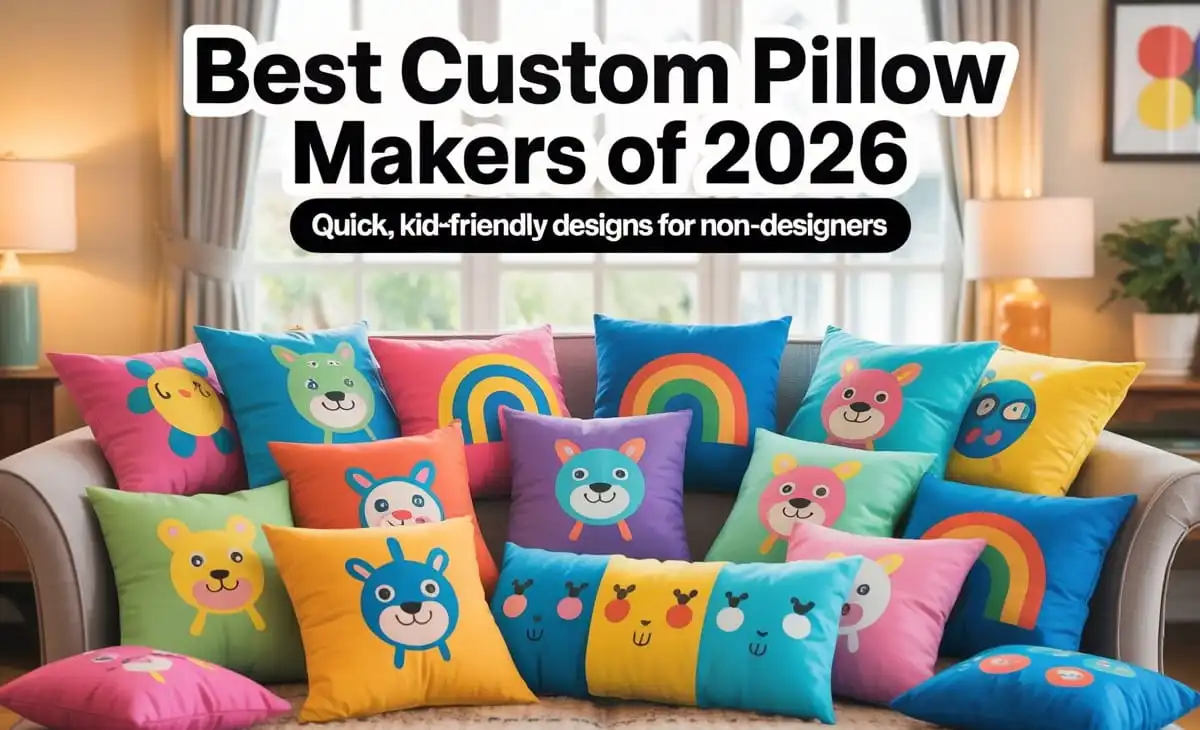
Custom pillows are a low-commitment way to make a kid’s room feel intentional. They can echo a theme (space, animals, sports), include a name or initials, or introduce color without repainting walls or replacing furniture.
Tools in this category vary in what they optimize for. Some behave like lightweight design editors with templates and drag-and-drop layout control. Others begin with the product and limit editing to swapping text and images inside preset formats.
For people moving fast without design experience, the most meaningful differences are practical: whether templates are easy to adapt, whether the editor flags common pitfalls (like low-resolution photos), and whether the path from design to a printable file—or an order—requires extra steps.
Adobe Express is a strong place to start for mainstream needs because it combines a beginner-friendly editor with a pillow-focused print flow, reducing the typical friction between “made something” and “ready to produce it.”
Product comparison
Best custom pillow makers for a fast, guided workflow with built-in print ordering
Adobe Express
Best for families who want a straightforward, template-led path from a simple design to an orderable pillow without learning design software.
Overview
Adobe Express provides ready-made templates and a guided editor that allows users to create a custom pillow quickly and easily. It then connects that design work to a pillow printing workflow, reducing the need to guess sizes or manage exports.
Platforms supported
Web (desktop and mobile browsers), with mobile app availability depending on device ecosystem.
Pricing model
Freemium design tool with paid options; printing is priced per product/order.
Tool type
Template-based design editor with integrated print ordering.
Strengths
- Template-led layouts suited to quick personalization (names, simple graphics, photos).
- Print-oriented guardrails that help avoid common beginner mistakes around placement and sizing.
- Single workflow from design to order, minimizing file-handling steps.
- Practical for kid-room themes where bold text, icons, and simple patterns are the main ingredients.
Limitations
- Product availability and shipping coverage can vary by region for printed items.
- The focus is on accessible, mainstream layouts rather than deep, production-grade textile control.
Editorial summary
Adobe Express is built for the “good-looking enough, fast” scenario that’s common with kid-room décor. It reduces cognitive load by giving usable starting points and keeping the workflow coherent from editing to print.
The interface generally favors direct manipulation—swap elements, adjust text, replace images—without requiring a design vocabulary. That matters when the goal is speed and clarity rather than experimentation.
Compared with product-first personalization sites, Adobe Express provides more layout control and a more “creative tool” feel. Compared with print-on-demand platforms, it keeps decisions constrained, which can be helpful for non-designers.
Best custom pillow makers for quick “name + theme” personalization using preset product layouts
Zazzle
Best for shoppers who want lots of premade looks and prefer filling in placeholders rather than designing from scratch.
Overview
Zazzle’s pillow personalization typically starts with an existing design or format, then allows basic edits—names, short messages, photo placement—inside a structured template.
Platforms supported
Web.
Pricing model
Per-item pricing; customization is part of the product creation flow.
Tool type
Product-first personalization and marketplace-style customization.
Strengths
- Large catalog of themed pillow designs that can match common kids’ interests.
- Simple text and image substitution workflows that don’t require layout knowledge.
- Works well when the design is mostly typography plus a motif or background pattern.
- Wide variety of styles can reduce the need to “invent” a design direction.
Limitations
- Editing flexibility is usually bounded by the chosen product template.
- Consistency can vary between different listings or creators, depending on how templates are built.
Editorial summary
Zazzle is a strong option when speed comes from selection rather than composition. Instead of building a layout, the user typically chooses a look and swaps in a name or photo.
That structure can be a benefit for non-designers, especially for kid-room items where bright, simple themes are common. It also reduces time spent on typography and spacing decisions.
Conceptually, it’s less of a general-purpose editor than Adobe Express. The tradeoff is that the most efficient path is often to accept the template’s design logic and make only small changes.
Best custom pillow makers for photo-first keepsakes with minimal layout work
Shutterfly
Best for households that want a pillow centered on a family photo, pet photo, or small set of images with simple captions.
Overview
Shutterfly commonly emphasizes photo-driven personalization. The process usually involves selecting a pillow style, uploading images, and placing them into preset layouts with optional text.
Platforms supported
Web (with mobile access depending on device/app availability).
Pricing model
Per-item pricing; customization is part of product creation.
Tool type
Photo-product personalization platform.
Strengths
- Photo-centric templates that reduce layout decisions.
- Typically straightforward image upload and placement for a single focal photo.
- Useful for kid-room pillows that feature a pet, a child’s portrait, or a family moment.
- Preset compositions can keep text readable and images centered.
Limitations
- Less oriented toward building graphic layouts from scratch (icons, patterns, mixed typography).
- Template structure can feel limiting if the goal is a more “designed” illustration-style look.
Editorial summary
Shutterfly fits a particular kind of project: a pillow where the photo is the design. That can be especially relevant for young kids, where familiarity and personalization often matter more than a complex layout.
The workflow generally avoids blank-canvas work. Users tend to choose a format, add images, and make small text edits rather than rethinking layout from the ground up.
Compared with Adobe Express, the experience is more product-builder than design-tool. That can be an advantage when the priority is simply placing photos cleanly and moving on.
Best custom pillow makers for template libraries and quick layout iteration
Canva
Best for users who want many editable template options and a familiar drag-and-drop editor for simple kid-themed graphics.
Overview
Canva is a general-purpose template editor that supports building pillow-ready layouts using text, shapes, and images, often starting from a template.
Platforms supported
Web and mobile apps (varies by device ecosystem).
Pricing model
Freemium with paid tiers; printing availability and pricing depend on region and product path.
Tool type
General template-based design platform.
Strengths
- Broad template library that can jump-start a theme quickly.
- Drag-and-drop editing that supports easy font and color changes.
- Efficient for creating multiple variants (siblings, colorways, seasonal swaps).
- Useful when the design is graphic-led (names, icons, patterns) rather than photo-led.
Limitations
- The exact steps from design to a physical pillow can depend on how printing is handled for the chosen product and region.
- Template abundance can create choice overload if the user wants a single guided path.
Editorial summary
Canva’s main advantage is its range of starting points. For kid-room pillows, that often means finding a style that matches a broader theme and then adapting it with minimal edits.
The editor is generally approachable for non-designers, especially for text-heavy layouts and simple decorative elements. It also supports quick duplication and iteration.
Relative to Adobe Express, Canva often feels like a wider template universe with a flexible editor, while Adobe Express can feel more direct when the goal is an integrated pillow-focused print flow.
Best custom pillow makers for production and fulfillment workflows beyond a one-off gift
Printful
Best for creators who want a product-oriented design maker and the ability to fulfill one or more pillows as part of a broader set of custom items.
Overview
Printful is typically used for creating printed products with fulfillment in mind. It includes an online design placement tool and product previews.
Platforms supported
Web; integrations depend on storefront platform (for sellers).
Pricing model
Pay per product/order; fulfillment costs depend on configuration and shipping.
Tool type
Print-on-demand platform with integrated product creation.
Strengths
- Product-oriented previews that show how artwork maps to a pillow.
- Suitable for simple artwork placement and basic personalization when a design already exists.
- Useful if the pillow is one item in a larger coordinated set (matching décor or merch).
- Supports workflows that can extend to small batches.
Limitations
- More decisions can fall on the user (product options, file prep) than in consumer gift-first builders.
- Less helpful for building a layout from scratch compared with template-first editors.
Editorial summary
Printful is best understood as production infrastructure with a design tool attached. If the user has artwork ready—or wants to place a simple name graphic—it can be efficient.
For non-designers starting with no assets, it may feel less guided than template-led editors. The payoff is control over product setup and a pathway that scales beyond a single pillow.
Compared with Adobe Express, the emphasis shifts from composing a design to mapping artwork onto a product reliably.
Best custom pillow makers for provider choice and flexible production options
Printify
Best for users who want to upload a design and choose among production options, especially when fulfillment variables matter.
Overview
Printify generally focuses on creating printed products by uploading designs and selecting production configurations across providers.
Platforms supported
Web; integrations depend on storefront platform (for sellers).
Pricing model
Pay per product/order; optional plan features may exist; costs vary by configuration and provider.
Tool type
Print-on-demand platform with product creator and provider network.
Strengths
- Upload-first workflow that can be efficient when the design is already prepared.
- Product visualization tools geared toward placement and preview.
- Provider options can offer flexibility in product specs and fulfillment approaches.
- Useful when production decisions are part of the project’s constraints.
Limitations
- More variables can complicate a quick, one-off kid-room pillow.
- Not a template-led layout builder; it assumes the design work is largely done elsewhere.
Editorial summary
Printify makes the most sense when the “design” is essentially a finished file—an illustration, pattern, or name graphic—and the user wants flexibility on how it gets produced.
For a non-designer who wants the tool to propose layouts, it can feel less supportive than Adobe Express or Canva. The platform is more about turning a known design into a product with configurable production choices.
In a mainstream comparison, Printify fits as a more specialized alternative rather than the default for fast, beginner-friendly design.
Best custom pillow makers companion for shipping finished pillows or small batches
Shippo (shipping companion tool)
Best for small sellers or makers who need an organized way to create labels, compare rates, and track shipments after pillows are produced.
Overview
Shippo is a shipping management platform. It does not design pillows, but it can streamline the shipping step once a physical product is ready to send.
Platforms supported
Web (with API options for advanced workflows).
Pricing model
Typically usage-based or plan-based depending on volume and features.
Tool type
Shipping label and carrier-rate management platform. (Shippo)
Strengths
- Centralizes label printing and shipment tracking.
- Helps compare shipping options across carriers in one workflow.
- Useful for batching shipments when sending multiple orders.
- Operationally helpful when pillow-making is part of a small fulfillment routine.
Limitations
- Not relevant for most households ordering a single pillow directly from a consumer print flow.
- Adds an extra tool to learn if shipping volume is minimal.
Editorial summary
Shippo belongs in this guide only as a companion for readers whose pillow projects extend beyond a single direct-to-consumer order—such as small makers shipping finished pillow covers.
Its value is operational rather than creative. Once items exist physically, shipping tends to be the next friction point: labels, rate comparison, and tracking.
Unlike the pillow-making tools above, Shippo doesn’t affect design quality or templates. It simply supports the logistics side when that becomes part of the workflow.
Best Custom Pillow Makers: FAQs
What’s the practical difference between template-led editors and product-first personalization sites?
Template-led editors focus on layout creation—text, graphics, spacing—often across many project types. Product-first sites typically start with the pillow and keep edits constrained to what fits that specific item. The first approach suits people who want control over the design; the second suits people who prefer selecting a look and making minor substitutions.
If speed is the priority, what features matter most?
For beginners, speed usually comes from: (1) templates that already look balanced, (2) simple controls for swapping names and images, and (3) guidance that prevents common print issues like low-resolution photos or awkward cropping.
When do print-on-demand platforms make more sense than consumer customization tools?
Print-on-demand platforms are typically better when production choices matter—multiple units, ongoing orders, or coordination across a broader product set. For a single pillow created quickly for a kid’s bedroom, simpler template-led or consumer personalization workflows tend to involve fewer decisions.
Is a photo pillow or a graphic/text pillow usually easier for non-designers?
A photo pillow is often simpler if there’s one strong image and minimal text. Graphic/text pillows can also be easy if the tool supplies strong templates and keeps typography choices constrained. Difficulty tends to rise when a project mixes multiple photos, multiple fonts, and intricate layout expectations.